


Weather Stations Wireless Indoor Outdoor Temperature Humidity VA Color Display Weather Forecast Barometric Pressure Alarm Clocks
Weather Stations Wireless Indoor Outdoor Temperature Humidity VA Color Display Weather Forecast Barometric Pressure Alarm Clocks
NicetyMeter WS6681 Weather Stations with 3 Multi-sensor wireless monitoring of indoor and outdoor temperature and humidity, Large VA Color LCD display weather forecast for the next 6-12 hours, Barometric pressure, Dual alarm clocks with snooze, Comfort icon, Date and time.Adjustable Backlight, and DIY Label Stickers.
【WEATHER STATION WITH 3 SENSORS】 Indoor outdoor thermometer wireless comes with 3 remote sensors which can monitor inside outside temperature and humidity for 4 different locations simultaneously. The outdoor sensor provides a long transmission range of up to 50M/164FT in an open area, you can place them in your balcony, backyard, garage, greenhouse, etc.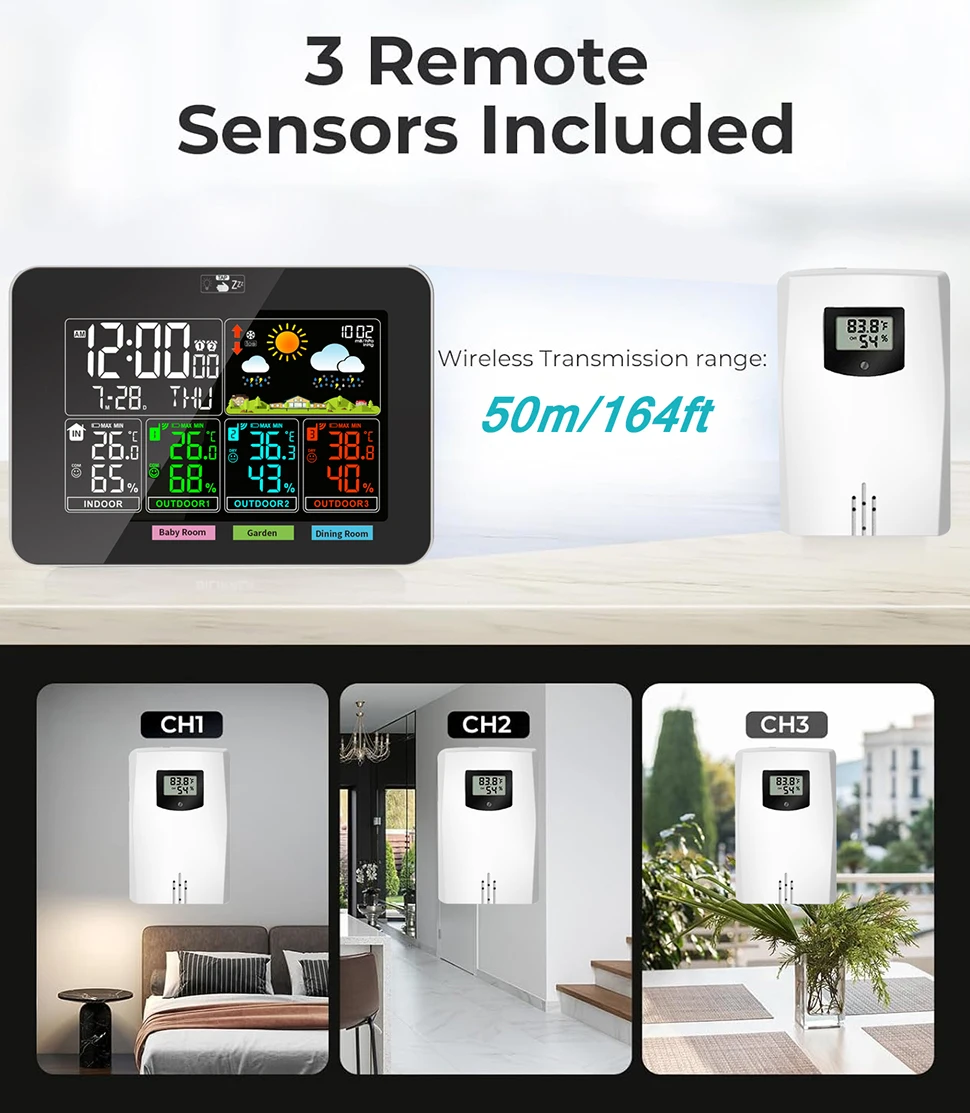 【CREATIVE & REMOVABLE DIY LABEL STICKERS】 Large display weather station comes with unique DIY label stickers which is removable and reusable, helps you distinguish the different places monitored and never make mistake. Just choose or write the name of corresponding detection locations with stickers, such as kitchen, baby room, living room, basement, etc.
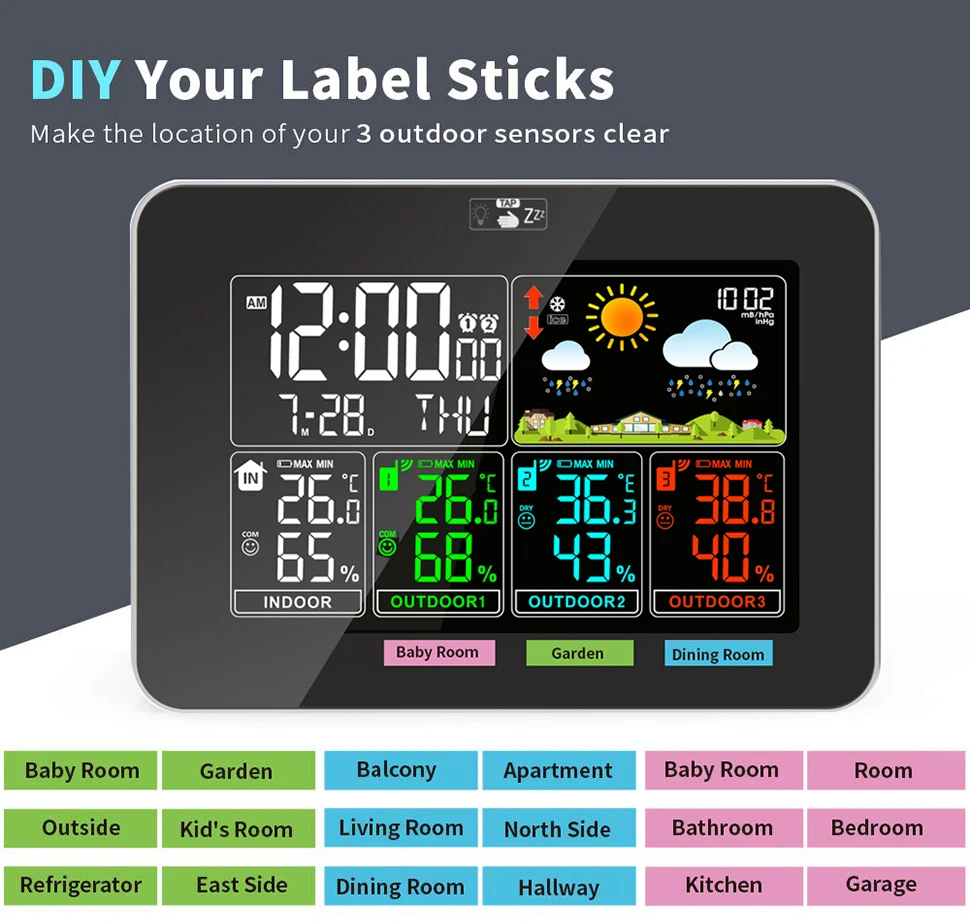 【INDOORandOUTDOOR THERMOMETER HYGROMETER】
Comes with 3 outdoor sensors to transmit data to an indoor weather station.
Indoor temperature display range: -9.9℃~+50℃ and +14.2℉~+122℉
Indoor humidity display range: 20%RH to 95% RH
Outdoor temperature display range: -20 ℃ ~ +60 ℃ and -4 ℉ ~ +140 ℉
Outdoor humidity display range: 20% RH to 95% RH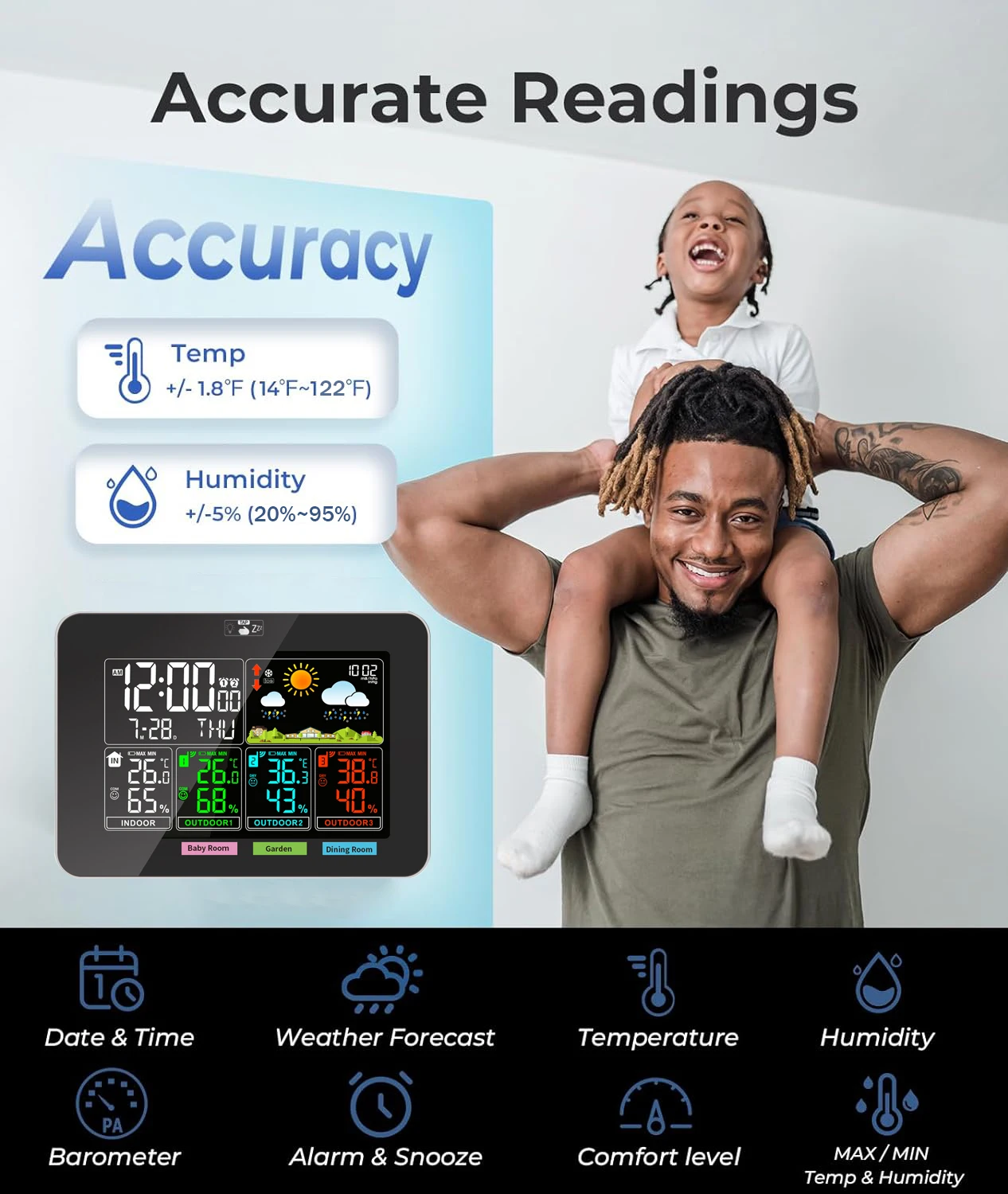
【COMFORT INDICATOR】
Comfort indicators allow you to keep an eye on the comfort of your environment and take timely steps to make the environment you and your family live in more comfortable.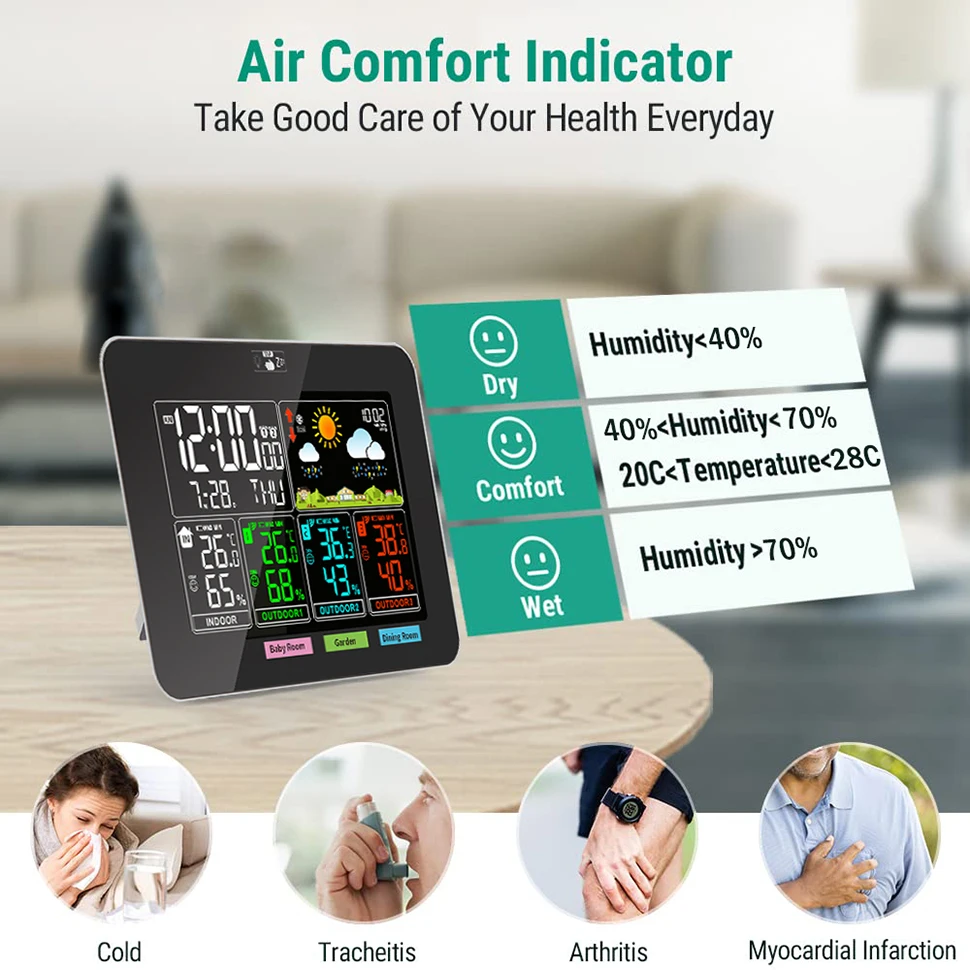
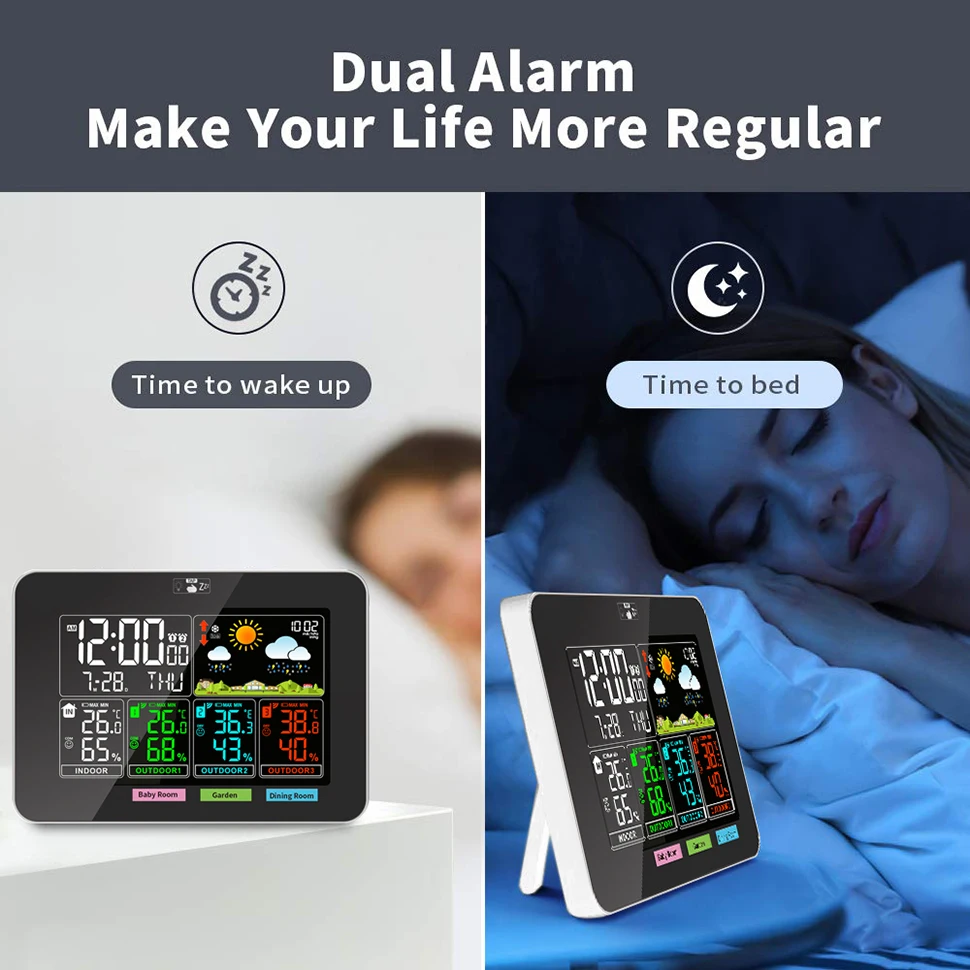
【DUAL ALARM CLOCKS 】
Home weather station wireless designed with user-friendly dual alarm clocks (5mins snooze) helps manage your life be more regular.
【5-LEVEL BACKLIGHT】
Adjustable 5-level brightness(REQUIRES PLUG IN) makes the readings be easy-to-read during the day and night.
PLEASE NOTE that the backlight will turn off automatically after 10s to save power when only using the batteries. The continuous and adjustable backlight requires to plug in with the power supply.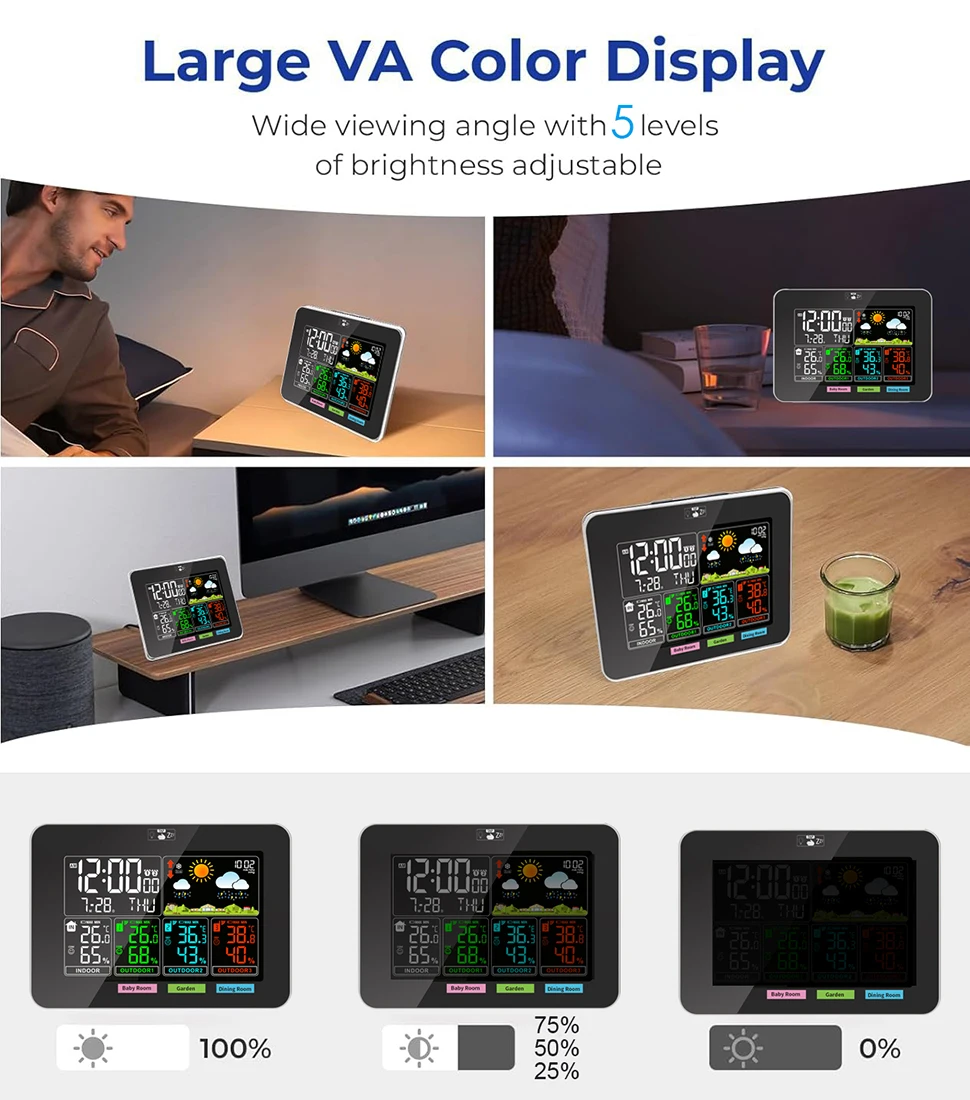 【2 WAYS POWER SUPPLY】
Indoor outdoor temperature humidity monitor works with the 1.5M USB cable (INCLUDED) or AAA batteries (NOT INCLUDED). 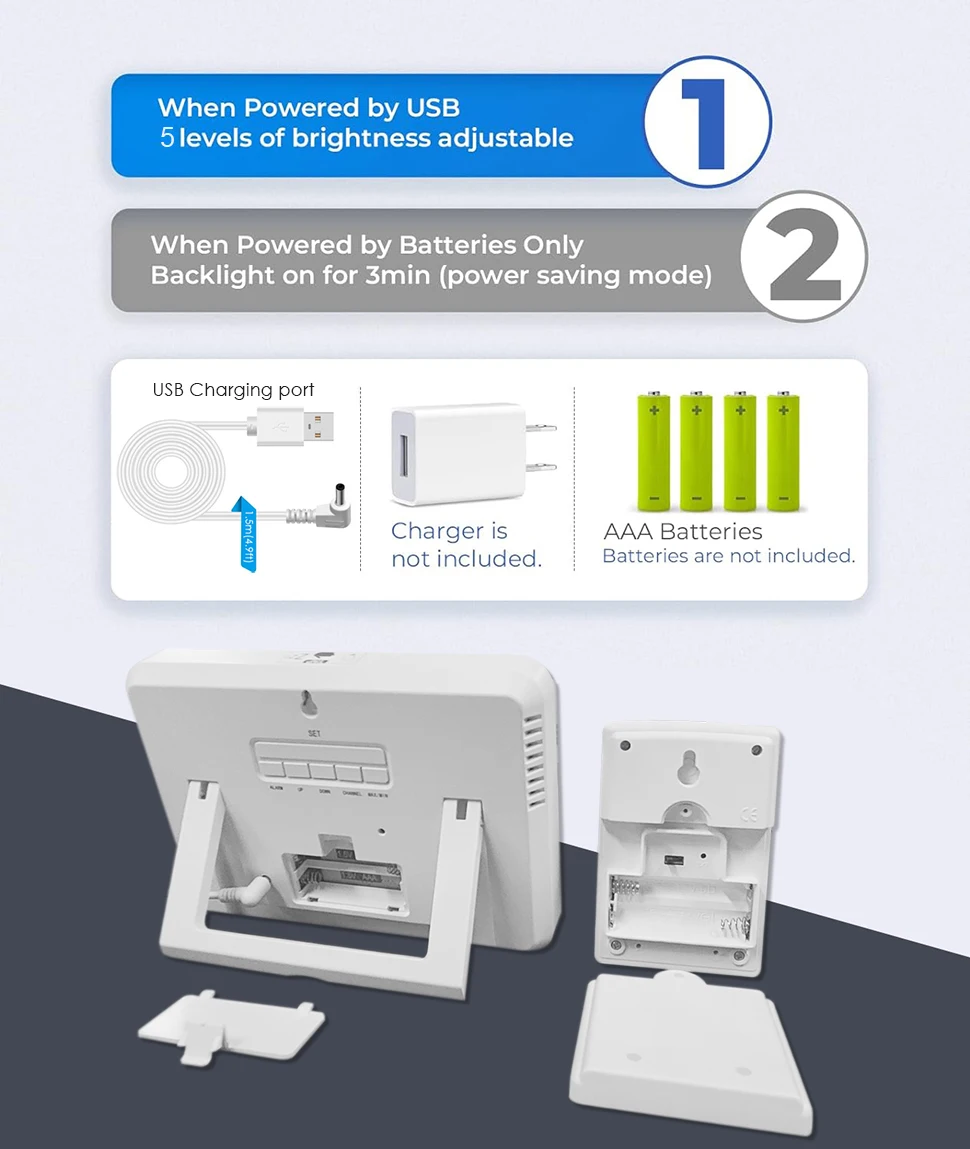 Weather Station Technical Indicators
Indoor Temperature Range: 14.2°F (-9.9°C) ~ 122°F (50°C)
Outdoor Temperature Range: -4°F (-20°C) ~ 140°F (60°C)
Temperature Accuracy: +/- 1.8°C/°F
Outdoor & Indoor Humidity: 20%RH ~ 95%RH
Humidity Accuracy: +/- 5%
Barometric Pressure Range: 17.72 inHg~32.50 inHg & 600 hPa/mb~1100 hPa/mb
Sensor Transmission Range: 164 feet/50m
Temperature Display: °F or °C
Barometric Pressure Display: inHg or hPa/mb
Indoor Station Power: 2x AAA battery(not included); USB cable (included)
Remote Sensor Power: 2x AAA battery(not included)
Dimensions: 6.5 x 4.5 x 0.98 inches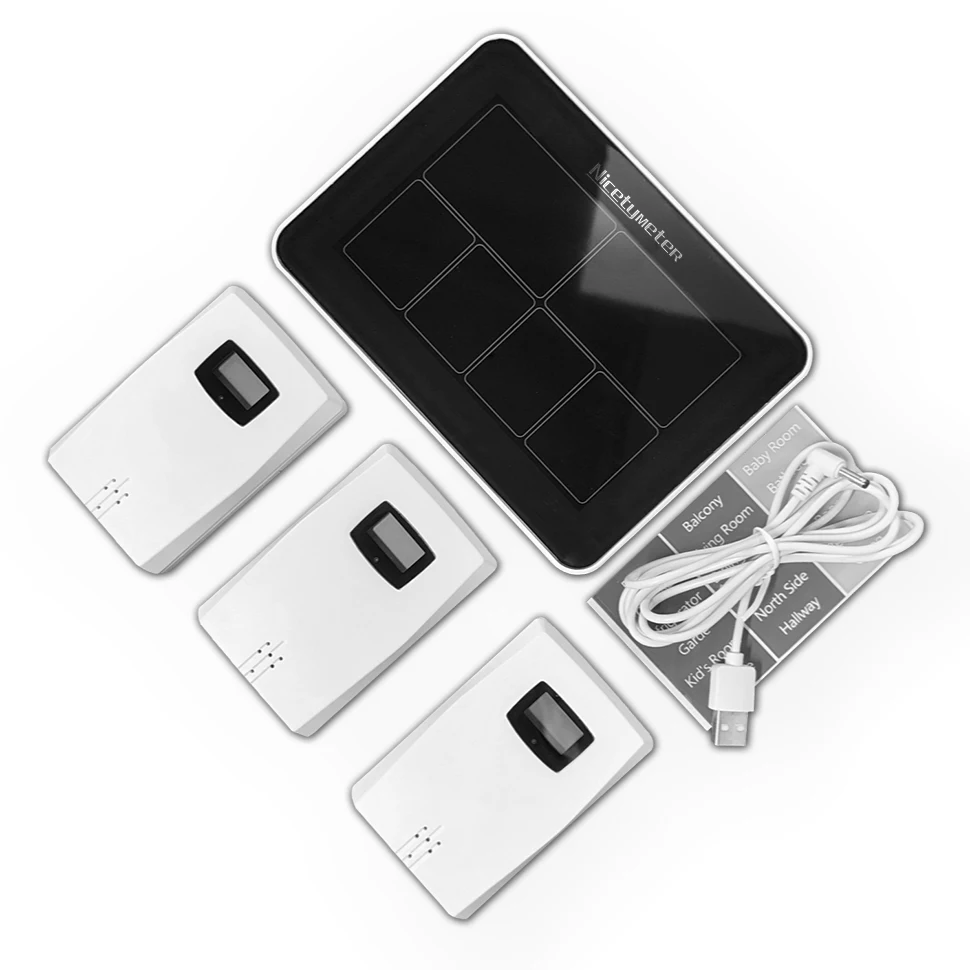
Some Problems That Customers Often Meet
1,Install batteries for the 3 Hygro-thermometer sensors. Use AAA batteries, 2pcs for each sensor. Once the batteries are correctly installed, the LCD will display the temperature and humidity readings, and the red LED light will flash.
2,Install 2pcs of AA batteries for the display console, and plug it with USB power cable (use a regular USB charger and plug the other side to the display console). When the display console is powered on , it beeps 3 times, and then wait for all the data to display.
3, SETTING
a.Long press SET button, it displays 24H/12H, press UP or DOWN to choose a time display mode, press SET to confirm.
b.Set the HOUR and MINUTE, press UP or DOWN to adjust the numbers, and press SET to confirm.
c.Set the YEAR, press UP or DOWN to adjust the numbers, and press SET to confirm.
d.Set the MONTH and DATE, firstly, choose M-D(month-day) or D-M (day-month) display mode, press set to confirm, then to press UP or DOWN to adjust the numbers of month and day, press SET to confirm.
e.Set language, press UP or DOWN to choose language among: ENG/GER/FRE/SPA/ITA/DUT/DAN ((English>> German>> French>> Spanish>> Italian>> Dutch>> Danish)), press SET to confirm.
f.Set the weather of the day, press UP or DOWN to choose among: Sunny, Partly Cloudy, Cloudy, Rainy, Stormy and Snow, Press SET to confirm.
g. Set the barometric pressure, firstly, choose the pressure unit mB/hpa or Inhg, press set to confirm, press UP or DOWN to adjust the numbers of the pressure value (refer to a reliable local pressure source), press SET to confirm.
h. Set alarms, long press ALARM to set alarm A1, press UP or DOWN to adjust the numbers, press ALARM to confirm. (you can set 2 alarms: A1 and A2)
4, Keys
a, Press CHANNEL to choose data of one channel, long press CHANNEL to clear the data and reconnect to the sensor to display the reading.
b, Press MAX/MIN to view the Max value / Min value / current value.
Product features
Product features
Materials and care
Materials and care
Merchandising tips
Merchandising tips


